MCW Casino App – Download for Android or iOS

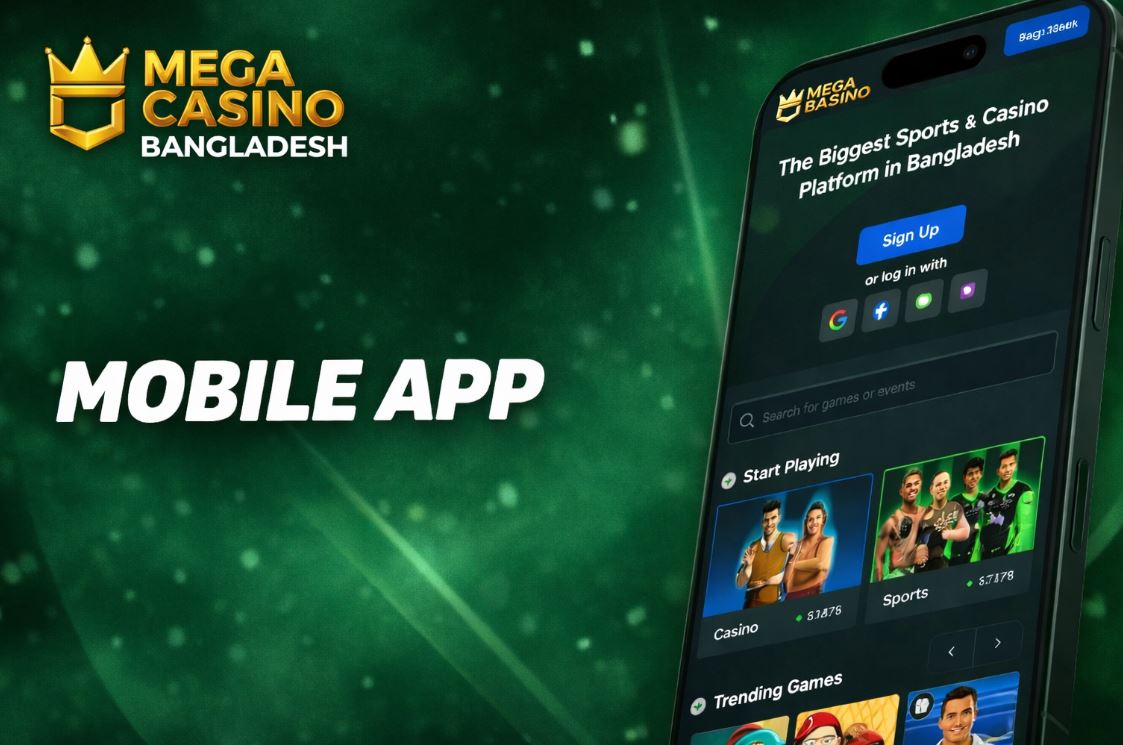
For players of MCW Casino, one of the best ways to enjoy betting is through the mobile version, offering a seamless experience no matter where you are. Here, you will find all the information you need about the MCW Casino App, how it functions, what it offers, and how it compares to the web version. Dive into all the details and start enjoying the thrills from your mobile today!
Download App
MCW mobile experience in Bangladesh with fast access to betting and live games

How to download the MCW app on Android?

One important thing to know about using MCW on Android is that, right now, there isn’t a single “one-tap” official store download for everyone.

The good news is that you don’t need a separate APK to enjoy the platform — the mobile site is built for smooth gameplay and fast access.

That’s why you can still play on any Android device. The quickest option is to add a shortcut to our website like this:

  1. Go to the official MCW site. Open MCW Bangladesh in your preferred browser.
  2. Open the main menu. Once the casino loads, tap the three dots to open the browser menu.
  3. Check the available options. Tap the download option or choose “Add to Home screen”.
  4. Edit the shortcut. Set a name you like and, in seconds, you’ll have MCW ready on your home screen.
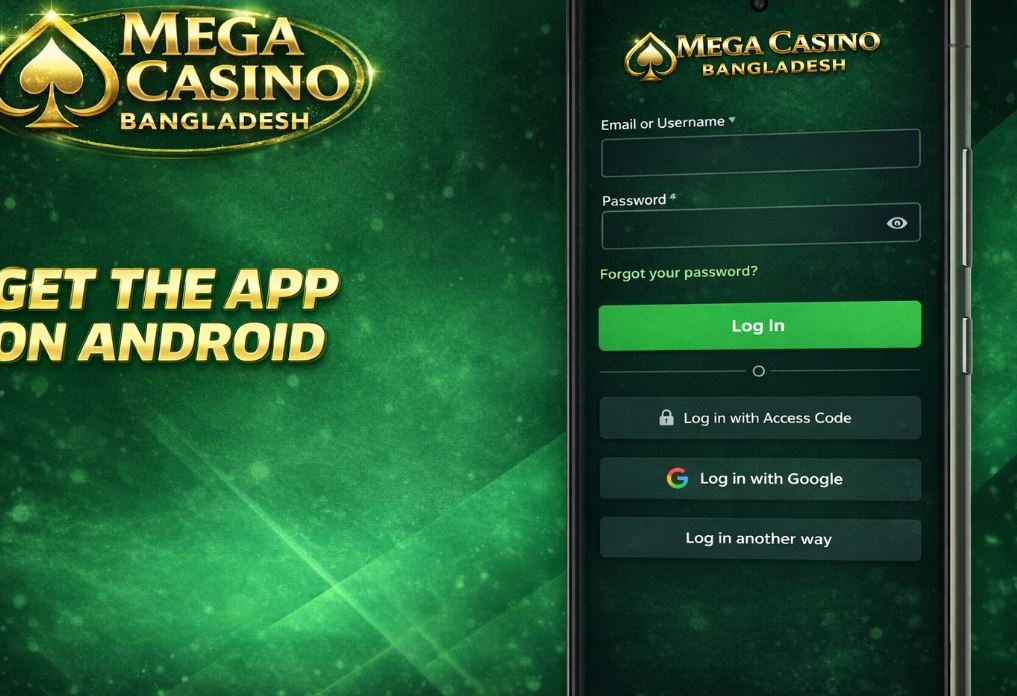
Android app-style setup using the official site and device options

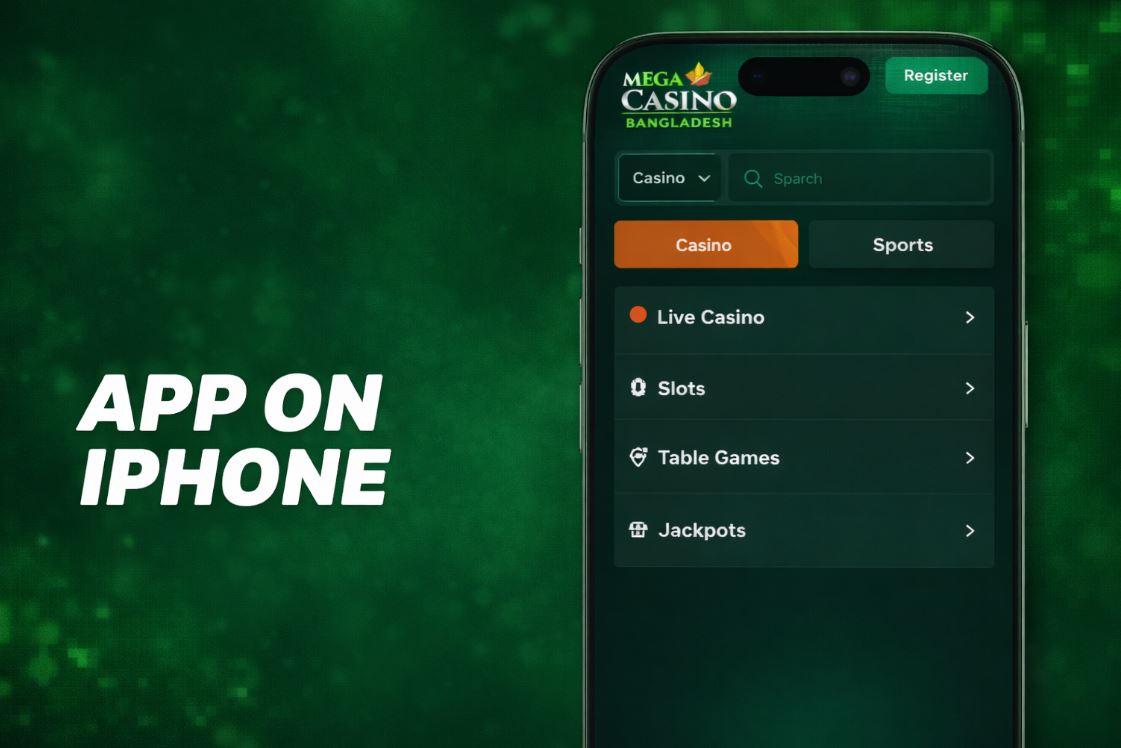
How to download the MCW app on iPhone?

Just like Android, MCW isn’t always offered as a standard App Store download for iPhone users.

Still, you can get a near-app experience by saving MCW Casino as a home screen shortcut for quick access.

Here’s the step-by-step process:

  1. Go to the MCW site. Open your preferred browser on iPhone.
  2. Use the “Share” option. Tap the middle button in the bottom menu, then choose “Add to Home Screen”.
  3. Edit the shortcut. Rename it if you want, and you’re done.
iOS app-style setup through a compatible browser shortcut flow

Key points about the MCW mobile experience

Even without a traditional “store app” download, MCW remains easy to use on mobile — so players don’t miss out.

That’s because the platform is fully optimized for smartphones and tablets, with a responsive layout that keeps everything smooth and readable.

Most importantly, casino games and sports betting are available in full, including fast live options when you want real-time action.

Deposits, withdrawals, customer support, and access to key policies are also available on mobile — giving you a complete experience comparable to desktop.

м

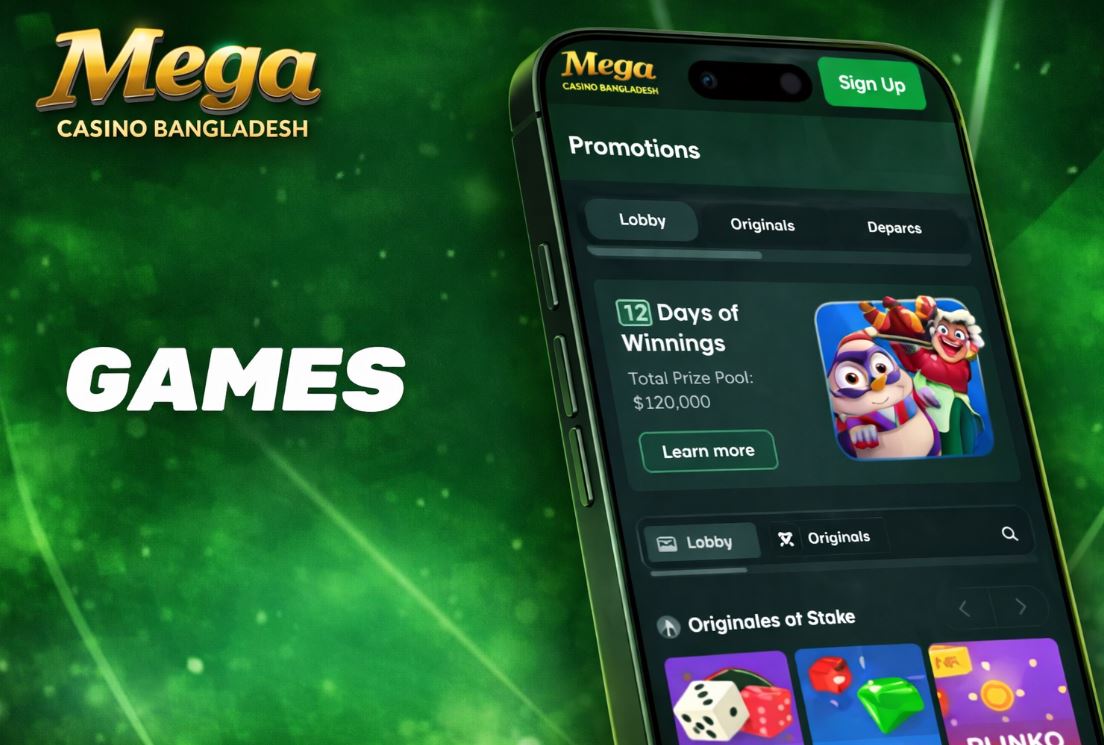
Games available on MCW mobile

On the MCW mobile version, the full casino catalog remains available, just like on desktop.

That means you can jump into slots, table games, and live casino titles — plus enjoy popular favorites that are especially loved across Asia.

This works so well because most providers build their games with mobile performance in mind, so you keep the same variety and smooth gameplay.

Live games and slots available through the MCW mobile experience

Some popular picks include:

GameProviderRTPRelease
Teen PattiJILIVaries
European RouletteEvolutionVaries
BlackjackEzugiVaries
BaccaratEvolutionVaries
AK 47 (Fishing)JILIVaries

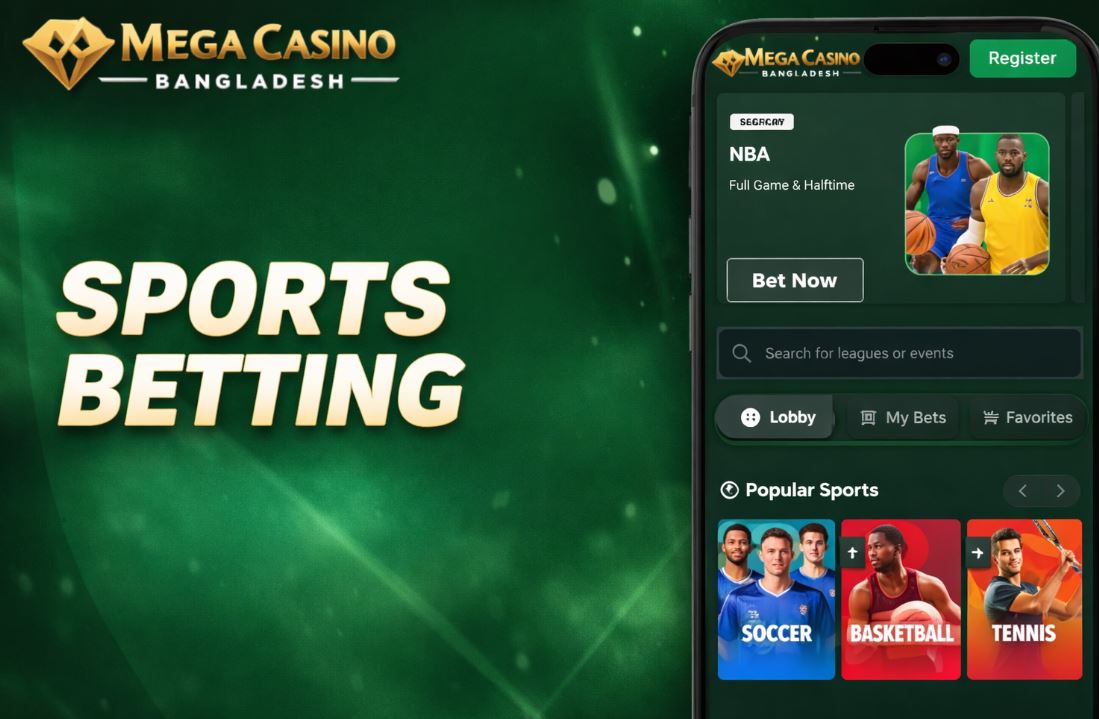
Sports betting on MCW mobile

Sports betting is also fully available on MCW mobile, which is a major advantage for players who want to place bets anywhere.

You’ll find top markets and popular sports — with a special focus on regional favorites like cricket and football — plus live betting options that update in real time.

On top of that, you can access match stats, live odds, and ongoing sports promotions depending on what’s currently featured.

Sports betting market with live odds on mobile

Bonuses and promotions for Bangladeshi players

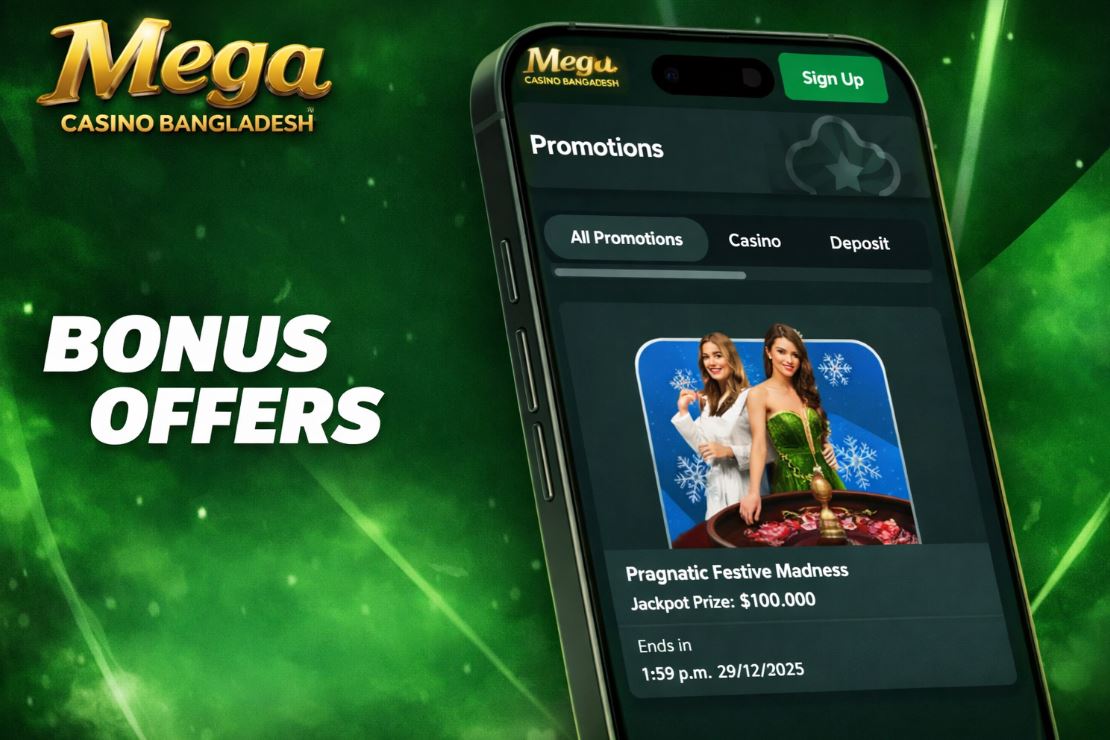
On MCW mobile, bonuses and promotions remain available, so you can claim offers and participate in events from your phone.

Promotions can change over time, but you’ll often find cashback-style deals, reload-style rewards for slots and table games, and referral perks for inviting friends.

Many casino promos are tied to tournaments or selected games, where prizes are distributed on a schedule.

For sports, you may see boosted odds, insurance-style bets, or early payout options depending on current terms.

VIP perks and mission-style challenges are also designed to work smoothly on mobile, so you can track progress anywhere.

Ofertas activas para usuarios de Bangladesh con requisitos de uso definidos

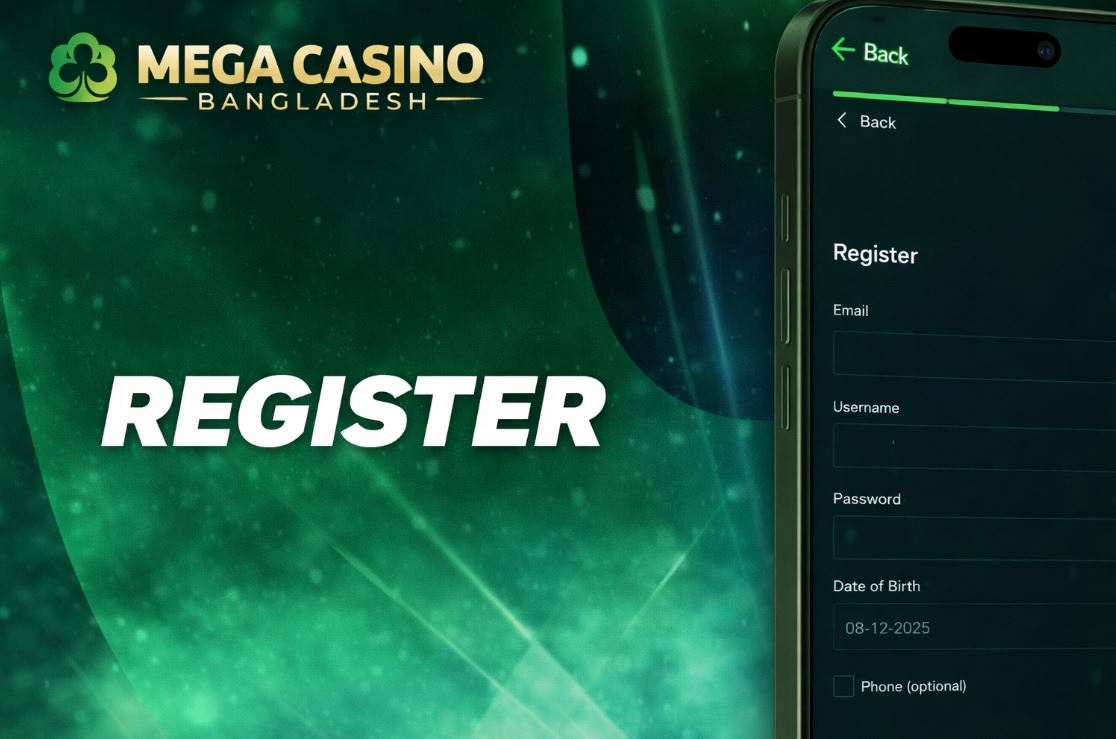
How to register on MCW mobile

The registration process is very similar to the desktop version — just follow these steps:

  1. Go to the official site. Open MCW in your preferred browser or via your shortcut.
  2. Check the top of the page. Click “Sign Up” next to the “Log in to MCW” button.
  3. Choose your language. Select the language you prefer to continue.
  4. Fill in your details or choose a quick sign-up. Complete the form or use one of the available sign-up options if shown.
  5. Accept the terms of use. Review the Terms & Conditions to finish creating your account.
Mobile account creation process with basic verification

Payment methods on MCW mobile

When you play on MCW, you can use several payment methods, and the available options may depend on what’s currently enabled on the platform.

Players can often choose between cryptocurrency and popular local methods such as OK Wallet, Nagad, bKash, SureCash, and bank transfers.

Deposit and withdrawal limits can differ depending on the method you pick, so it’s always smart to double-check the current limits inside your cashier.

Most transactions are processed quickly, but some methods may require an extra verification step before funds become available.

Deposit and withdrawal methods compatible with the MCW digital wallet flow

How to deposit on MCW mobile

To deposit using MCW on mobile, do this:

  1. Log in to your account. At the top, you’ll see your balance and a wallet/cashier button.
  2. Open the cashier. Tap “Wallet” and then choose “Deposit”.
  3. Select your method. Choose crypto or a local option (like bKash/Nagad/OK Wallet) and follow the on-screen instructions.
  4. Wait for confirmation. Once processed, your balance will update and you can start playing.

How to withdraw on MCW mobile

Withdrawals are just as simple — follow these steps:

  1. Log in to your account. Tap your profile button at the top.
  2. Open the main menu. In the menu, find the cashier/withdrawal section (often shown as a wallet or safe).
  3. Choose “Withdraw”. Select the method, enter the amount, and complete any required verification.
  4. Confirm and wait. Your withdrawal will be processed once confirmations and checks are complete.

Security and data protection on MCW mobile

Mobile security at MCW matches the protections used on desktop, so players can feel confident while playing on the go.

This includes options like two-step verification, which is often even easier to use on a smartphone.

Additional safeguards may include SSL encryption, internal controls, responsible gaming tools, and clear policies that are easy to access from mobile.

Encryption systems and access control in the mobile experience

Mobile site vs app

Since MCW can be used directly in a mobile browser, many players prefer the mobile site for speed and convenience.

Far from being a limitation, the mobile experience lets you:

  • Enjoy the full casino and sportsbook catalog, including live sections.
  • Deposit and withdraw quickly using supported methods.
  • Add a home screen shortcut for instant access anytime.
  • Reach support channels without complications.
  • Use a layout that adapts well to phones and tablets.

Even if you don’t use a standalone app, the responsive design keeps everything simple, fast, and easy to navigate.

Frequently asked questions

Frequently asked questions

There isn’t always a direct store download for MCW on phones. The easiest option is to add a shortcut on iOS and Android.

Is there a bonus for installing the MCW app?

Bonuses are usually tied to promotions, tournaments, or your account status — not to installing an app. Check the promo page for current offers.

Can I use MCW on mobile in Bangladesh?

Yes. MCW is designed to work smoothly on mobile browsers, so you can play and place bets directly from your phone.